When a site feels sluggish, the instinct is to blame the hosting, the theme, or "too many plugins." Nine times out of ten, the real culprit is sitting in plain sight: the photos.
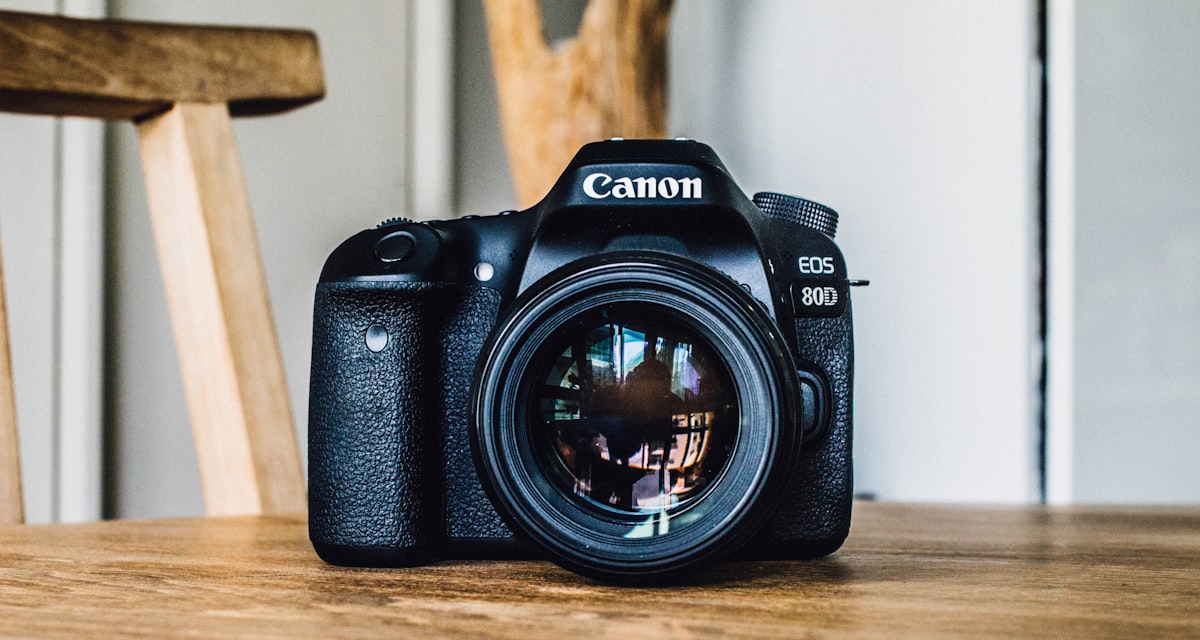
A modern camera or phone produces images that are enormous, thousands of pixels wide and several megabytes each. Drop a few of those onto a page and you've asked every visitor to download a small movie before they can read a word.
The fixes that actually matter
You don't need to become an engineer to solve this:
- Resize before you upload. A photo shown at 600 pixels wide never needs to be 4000 pixels wide.
- Use modern formats. WebP files are a fraction of the size of the same JPEG, at the same quality.
- Load what's on screen first. Images further down the page can wait until someone scrolls to them.
The fastest image is the one the browser never has to download at full size.
The payoff
Get this right and the difference isn't subtle. Pages that used to hang for three seconds snap into view, mobile visitors stop bouncing, and you've made the biggest speed improvement most sites will ever see, without touching a single feature.
Most small-business sites are slow for a handful of fixable reasons. I'll tell you which ones are costing you visitors, and what it takes to fix them.
Get a speed check →